

Edenred helps you with your
everyday purchases
User

Where to use your Edenred vouchers ?
Discover all our Edenred Meal and Edenred Gift partner merchants near you in just a few clicks! Restaurants, supermarkets, shops… Thousands of retailers welcome you!
Find a partner store
Good to know: In accordance with Luxembourg regulations, You can use up to 5 times your Edenred meal balance per day — up to €75 if you receive the maximum amount.
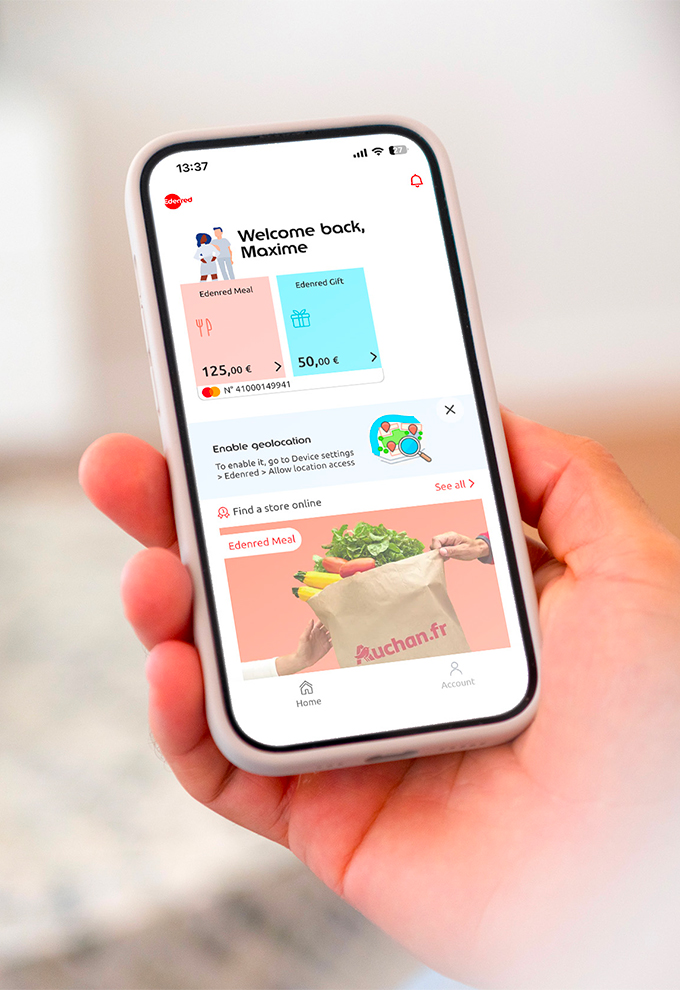
Your personal MyEdenred account
Simplify your daily life with MyEdenred. This personal space gives you instant access to many useful services anytime, such as:
- Check your balance
- Find nearby merchants
- View your purchase history
- Enable or disable your PIN code
Available on desktop and mobile app!
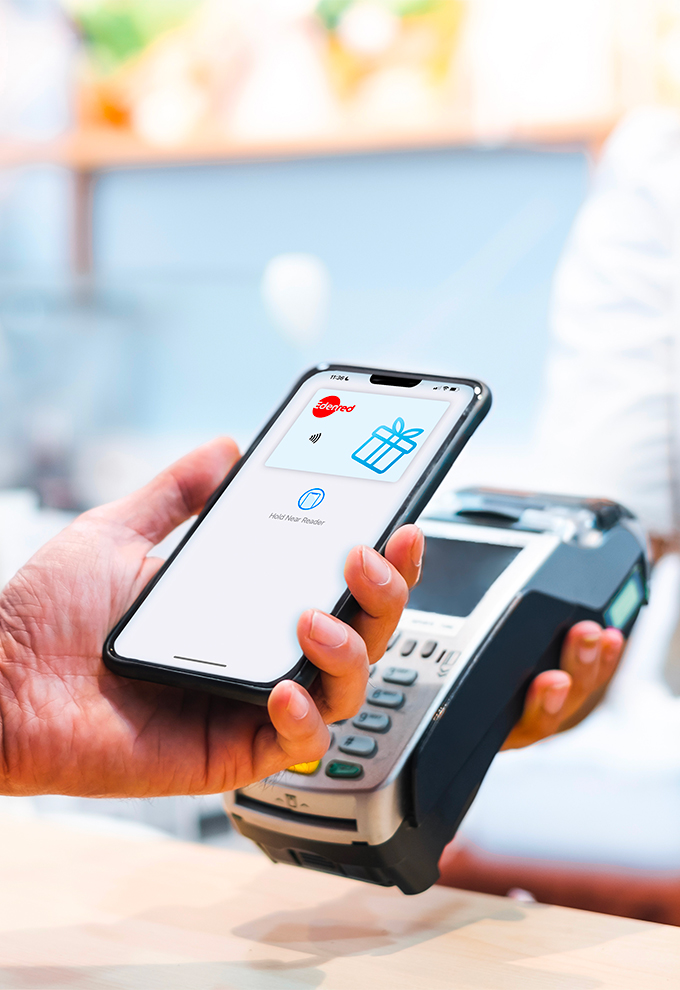
NEW! 100% virtual Edenred gift vouchers!
An economical, secure, and sustainable solution.
- Always at your fingertips
Always with you: your smartphone is all you need to pay instantly, wherever you are. - More sustainable
A virtual card that reduces plastic production. - Wider acceptance
Your new virtual Edenred Gift vouchers are accepted at more merchants. - Prefer a physical card?
You can request one in your MyEdenred account.

Use your Edenred Meal vouchers online
It’s easy, fast, and secure! Treat yourself in just a few clicks, any time of day, without impacting your wallet!
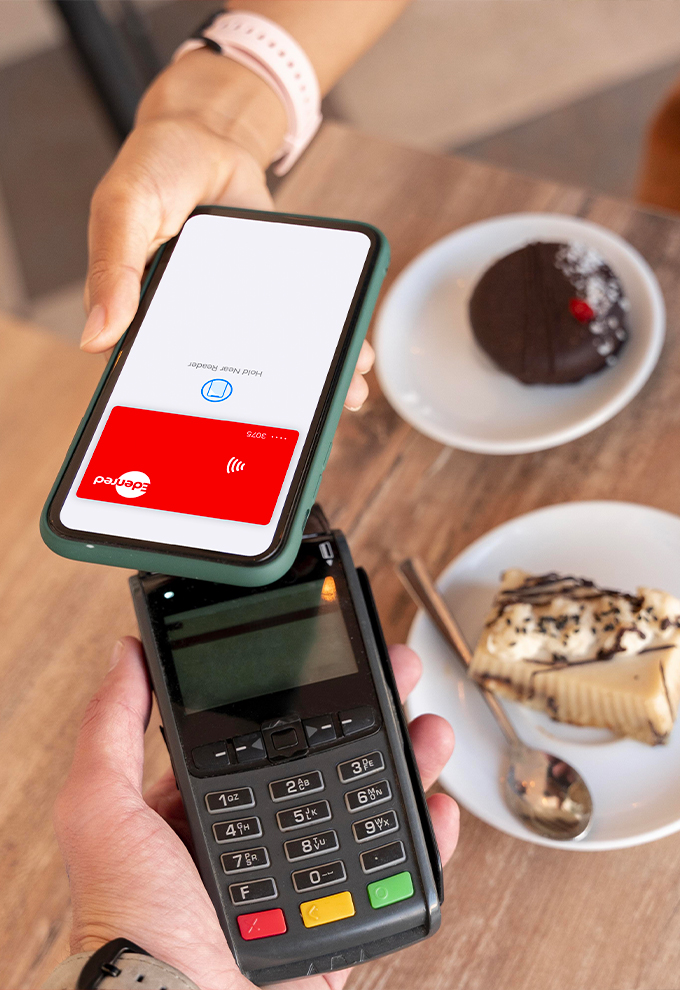
Embrace mobile payment with Edenred
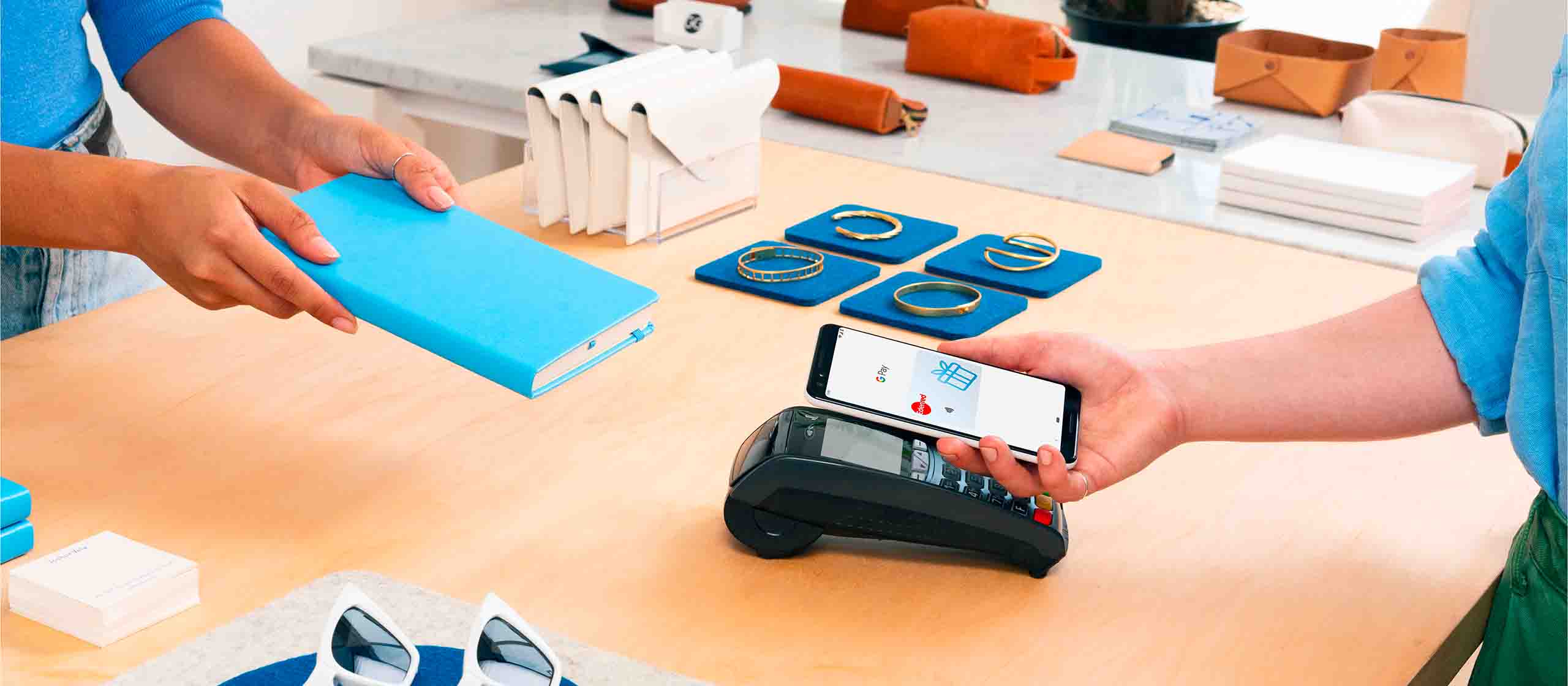
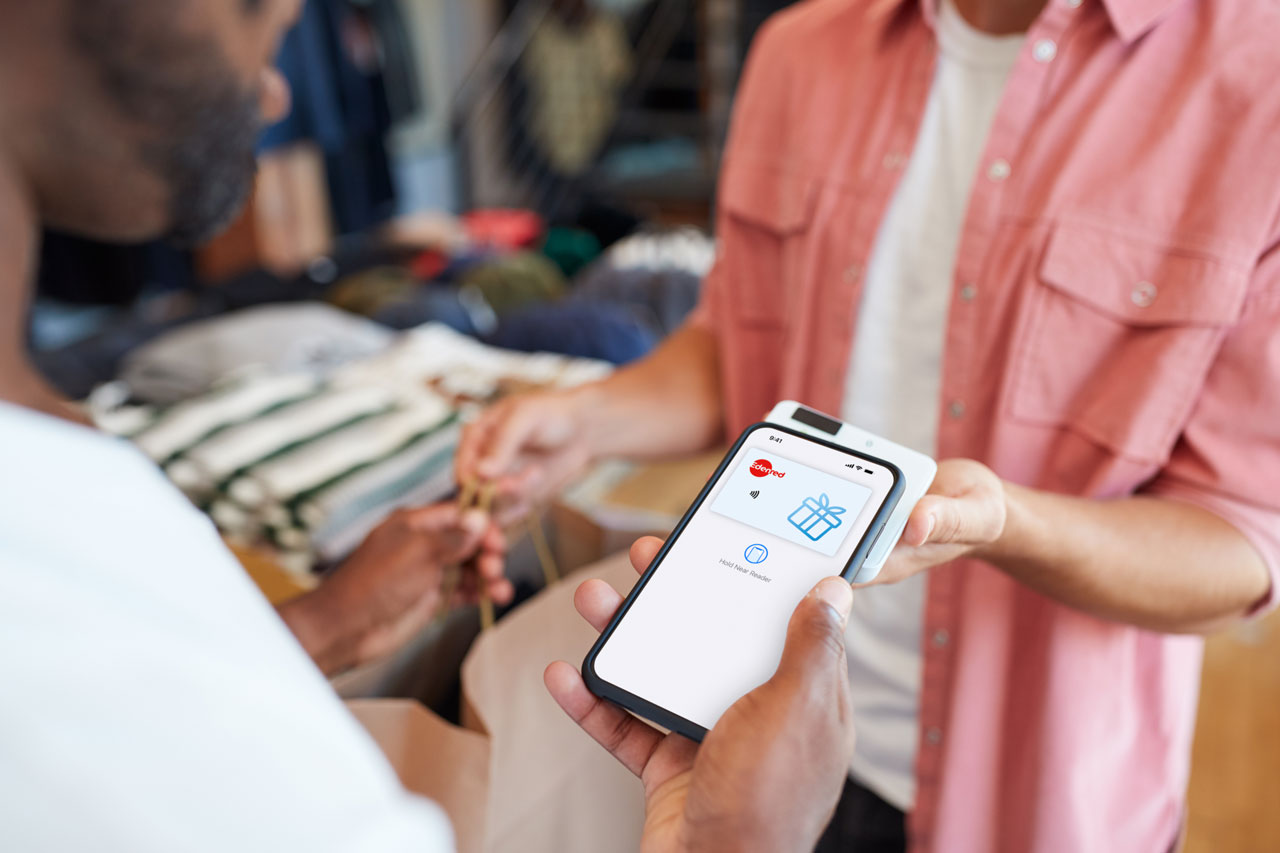
With Apple Pay and Google Pay, you can pay for your purchases in-store or online with your smartphone or smartwatch.
In addition to being simple, fast, and ultra-secure, you always have access to your Edenred card and can easily share it with your family by loading it onto other smartphones.
Over 2,000 stores in the Edenred network across Luxembourg already accept mobile payment. Add your Edenred card to your Apple Wallet or Google Wallet now!
Tips &
Advices
Here is a list of questions frequently asked by other users:
Do you have any further questions?
How do I use my Edenred Meal vouchers online?
We’ve designed a way to make your life easier!
- Go to the partner’s website of your choice.
- Select the products you’d like and add them to your basket.
- To complete your order, select your Edenred Meal vouchers or choose Mastercard.
- Enter the digits displayed on the back of your Edenred card.
- Confirm your order and that’s it!
How do I activate my card?
Your card must be activated in order to be used.
When you receive your card (by mail or via your employer), you can easily check whether the card has already been activated by your employer, or if you need to activate it yourself. To check, go to your personal web space via MyEdenred.
Go to the menu Manage my card and my account and click on the button “Activate my card”.
On the appearing screen, you simply have to give your card number as well as your identification number (which is your activation code) and click on “Confirm”.
The status of your card is now “Active”.
Would you experience any problem during this procedure, ask your employer to activate your card for you through his customer web space.My card is lost or has been stolen
In case of lost or theft, you have to block your card via your Personal Web Space on www.MyEdenred.lu
. Once blocked, the card will be unusable. Note that this process is irreversible.
Subsequently, your employer will have to validate the order of the replacement card. The new card will be produced from the moment the payment has been done.
The validity of the electronic vouchers will be extended by 10 working days and the available balance will be automatically linked to the new card.My personal web space: how to create and use it?
Thanks to your personal web space, you now have access to our services and you can enjoy all our advantages:
- activate your card
- consult your balance
- see the history of your transactions
- consult the payments of your employer
- block your card (loss or theft)
- use your card at your favorite shop
- activate a PIN code
To create your personal web space on www.MyEdenred.lu, you first have to click on “Register”. Next, you have to fill in your activation code and your card number. Your activation code has been communicated in your first card loading notification.
Now, you can choose your username (your mail address) and a password.
Did you know?
- News27 August, 2026Gift vouchers in Luxembourg: Edenred launches its 100% virtual solution
- News3 February, 2026Where can you use your Edenred Gift vouchers in Luxembourg?